
What Happens If IT Goes Down on a Construction Job Site?
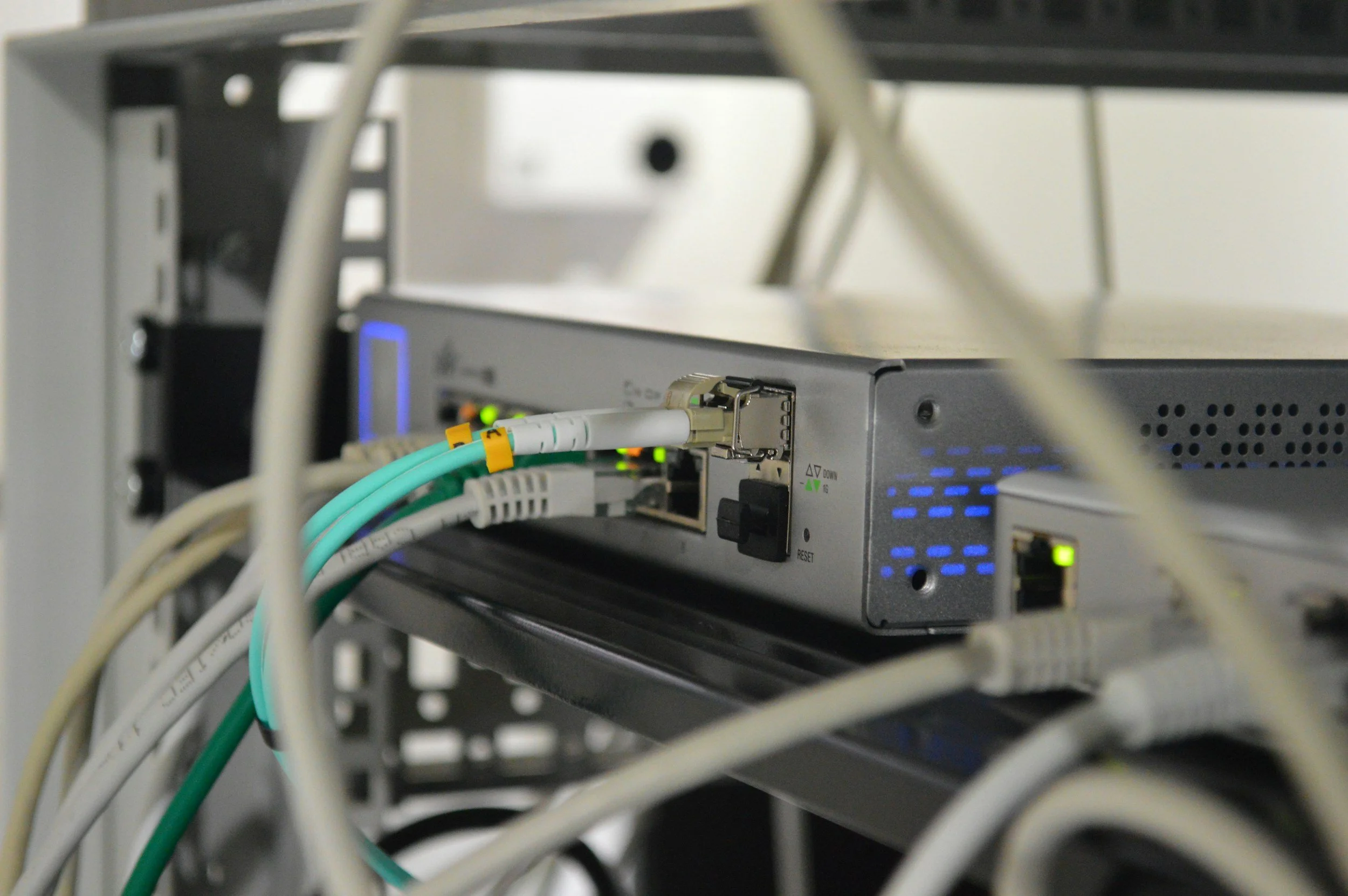
When IT goes down on a construction job site, work can stop immediately, preventing crews from accessing Procore, plans, schedules, and communication tools. For construction companies with 10-25 employees, even a single outage can cost $500-$2,000 per hour in lost labor, missed deadlines, and project delays. The impact is multiplied when multiple job sites or crews are affected. Preventing and responding to job-site IT outages requires proactive monitoring, fast response times (under 15 minutes), and onsite support when remote fixes aren’t enough.
Common Causes of Job-Site IT Outages
When IT goes down on a construction job site, the disruption often feels sudden but the causes are usually predictable. Job-site environments are temporary, fast-moving, and exposed to physical and environmental variables that traditional office networks rarely face. Understanding the most common causes of outages helps construction companies reduce risk and respond faster when problems occur.
One of the leading causes of job-site IT downtime is internet or ISP failure. Construction trailers often rely on newly installed service lines, cellular hotspots, or temporary broadband connections that may be less stable than permanent office infrastructure. Weather conditions, service interruptions, or provider-side outages can instantly cut off access to cloud platforms like Microsoft 365 and Procore. When connectivity fails, communication, document access, and project updates may stop altogether.
Misconfigured job-site networks are another frequent issue. Temporary setups sometimes involve quickly installed firewalls, routers, switches, and wireless access points. If equipment is not properly configured, secured, or tested under load, performance problems can appear as more users connect. Weak Wi-Fi coverage, incorrect firewall settings, or improperly segmented networks can lead to slow speeds, dropped connections, or complete access failure.
Hardware failures also play a major role in job-site outages. Routers and switches operate in environments that may expose them to dust, vibration, heat, or accidental damage. Laptops and tablets used in the field are subject to heavy use and movement. When key hardware fails, especially networking equipment, remote troubleshooting may not be enough. Physical replacement or reconfiguration is often required before operations return to normal.
These common causes highlight an important reality: job-site IT environments are inherently more fragile than office networks. Without proactive planning and monitoring, outages are not a matter of if, but when.
Immediate Impact on Construction Operations
When IT goes down on a construction job site, the effects are immediate and highly visible. Unlike office environments where work can sometimes continue offline, construction projects rely on real-time coordination, cloud access, and up-to-date documentation. Even short outages can disrupt multiple layers of activity at once.
One of the first impacts is loss of access to Procore, cloud drawings, and shared documents. Project managers and field supervisors depend on up-to-date plans, RFIs, submittals, and change orders to guide daily work. If crews cannot access current drawings or confirm revisions, they may pause work to avoid costly mistakes. In fast-moving projects, uncertainty alone can slow momentum.
Delayed inspections and approvals are another consequence. Many inspections require digital documentation, uploaded photos, or confirmation through cloud-based systems. If systems are offline, approvals may be postponed, pushing critical path items further out. What might have been resolved in minutes can turn into a multi-day delay if coordination stalls.
Perhaps most costly is idle labor. When crews cannot access plans, submit time entries, or communicate effectively, productivity drops. Subcontractors may be forced to wait, equipment may sit unused, and schedules begin to slip. In construction, delays often cascade: one stalled activity impacts the next trade, and recovery becomes increasingly difficult as the day progresses.
The immediate impact of a job-site IT outage is rarely limited to a single inconvenience. It affects workflow, communication, and revenue simultaneously. That’s why response speed and infrastructure reliability are so critical in construction environments.
Why Remote-Only IT Struggles with Job Sites
While remote IT support is effective for many software and access-related issues, job-site environments introduce physical variables that remote-only providers often struggle to address. Construction sites are not traditional offices. They involve temporary infrastructure, exposed equipment, and constantly changing layouts that require hands-on troubleshooting when problems arise.
Physical networking issues are one of the biggest challenges. Routers, switches, and wireless access points installed in trailers or temporary offices can be unplugged, damaged, or misconfigured. Interference, overloaded equipment, or improperly installed hardware can cause connectivity failures that cannot be fully diagnosed without being onsite. A remote technician may identify symptoms, but restoring reliable performance often requires physical inspection and adjustment.
Power and cabling problems are another frequent source of disruption. Temporary power setups, shared circuits, and environmental factors can cause networking equipment to shut down or behave unpredictably. Loose Ethernet connections, damaged cabling, or improperly routed wires are common in active job-site environments. These issues cannot be resolved through software tools alone; they require someone physically present to trace, test, and repair connections.
Temporary infrastructure also limits remote visibility. Unlike permanent office networks with documented layouts and stable configurations, job-site setups may change as projects evolve. Equipment may be moved, expanded, or reconfigured as new trailers are added or crews grow. Without onsite access, it can be difficult for remote-only providers to accurately assess the situation or implement lasting solutions.
For construction companies, this creates a critical distinction. Remote IT support is efficient for user-level problems, but job-site infrastructure requires hands-on capability. Without it, outages may last longer, troubleshooting becomes guesswork, and downtime costs increase.
How Fast Response Prevents Major Losses
When IT goes down on a construction job site, speed determines whether the disruption remains minor or becomes expensive. The first 15 minutes often set the tone for the entire incident. Rapid response does not always mean instant resolution, but it ensures the issue is assessed immediately and that corrective action begins before downtime spreads across crews and trades.
Sub-15-minute response times are especially important for connectivity failures, server issues, or company-wide system disruptions. Quick technician engagement allows for immediate remote triage, which can identify whether the problem is internal equipment, power-related, or an external ISP outage. Even when the issue cannot be fixed remotely, early diagnosis prevents wasted time and helps initiate the next step without delay.
The difference between remote triage and onsite escalation is critical. Fast remote troubleshooting can restore service quickly if the issue is configuration-based or software-related. If physical infrastructure is involved, immediate escalation ensures a technician is dispatched without hesitation. The longer escalation is delayed, the longer crews may sit idle while waiting for resolution.
Coordinating with ISPs and external vendors also requires urgency. Internet service providers often operate on scheduled support windows, and delays in reporting outages can push restoration further out. An experienced IT provider can engage the ISP quickly, provide technical details, and advocate for faster service restoration. That coordination alone can significantly reduce downtime.
In construction, time is directly tied to labor costs and project schedules. A fast response does more than fix technology—it protects revenue, prevents cascading delays, and keeps projects moving forward.
Preventing Future Job-Site Downtime
While fast response limits damage, prevention is what truly protects construction projects from costly disruption. Job-site IT environments may be temporary, but they should not be treated as disposable. Proactive planning and structured oversight significantly reduce the likelihood of unexpected outages.
Proactive monitoring is one of the most effective safeguards. Continuous monitoring of firewalls, routers, switches, and endpoints allows IT teams to detect performance issues, hardware instability, or unusual activity before a full outage occurs. Alerts can trigger early intervention, often resolving problems before crews are even aware of them. In construction environments where early start times and distributed sites are common, this visibility is essential.
Redundant connectivity options also play a major role in preventing downtime. Relying on a single internet provider or connection type leaves job sites vulnerable to outages. Backup solutions such as secondary broadband lines or cellular failover systems can automatically maintain connectivity if the primary line fails. While redundancy adds modest upfront cost, it dramatically reduces the financial impact of extended outages.
Scheduled onsite inspections further strengthen job-site reliability. Regular physical reviews of networking equipment, power sources, and cabling help identify wear, improper installations, or environmental risks before they cause failure. Construction sites evolve as projects progress, and networking setups often need adjustment to match changing layouts and crew sizes. Periodic onsite evaluations ensure infrastructure remains stable and secure.
Preventing job-site downtime requires a combination of monitoring, redundancy, and hands-on oversight. When these elements are in place, IT becomes more resilient, outages become less frequent, and construction teams can operate with greater confidence. A 10-15 employee construction company experienced repeated job-site outages that halted crews for hours. After implementing proactive monitoring and emergency onsite support, downtime incidents dropped by 45% and average outage duration fell below 30 minutes within 60 days.
