
How Should Construction Companies Manage and Secure Mobile Devices on Job Sites?
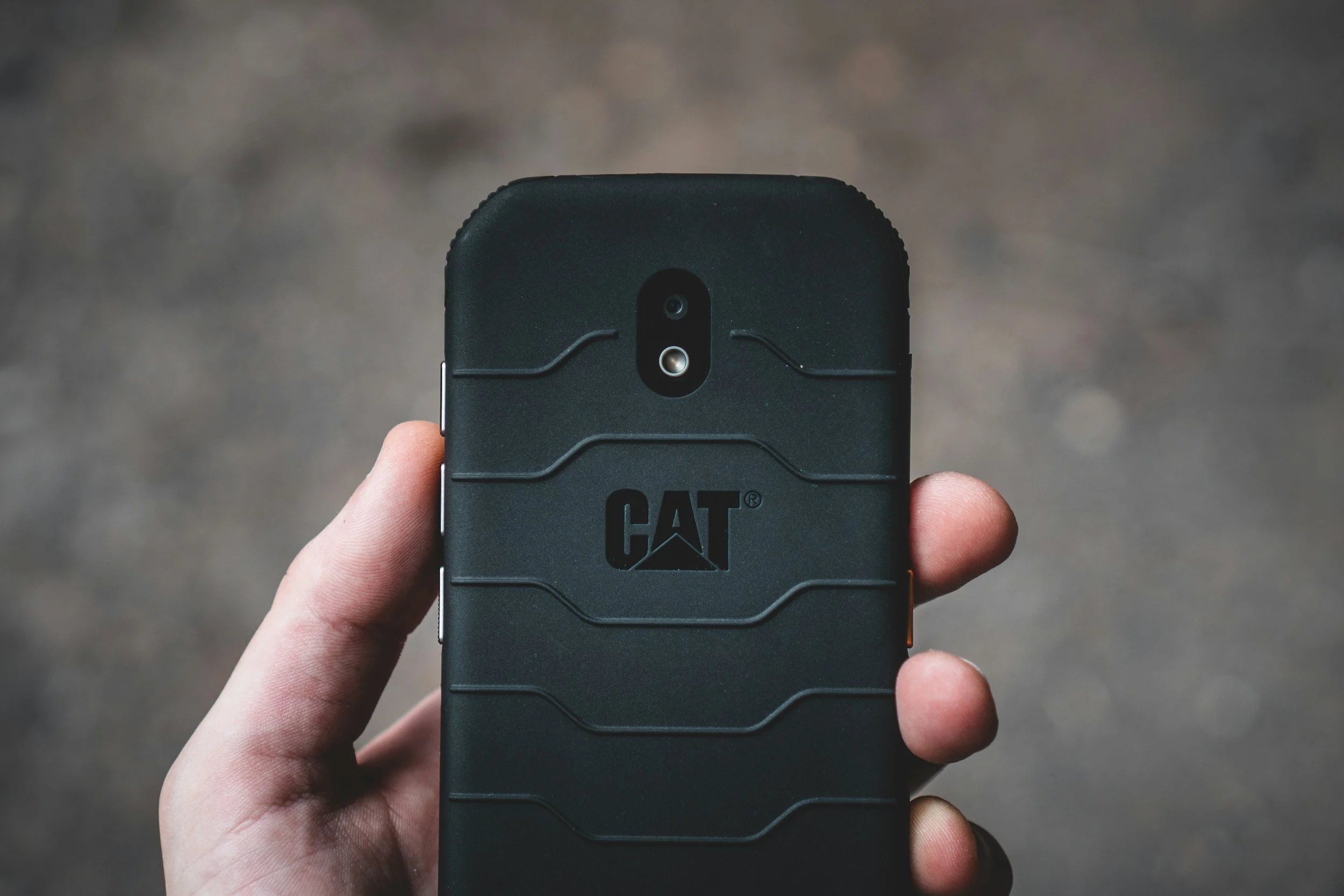
Construction companies typically use 1.5-2 mobile devices per employee, including laptops, tablets, and smartphones that access project platforms like Procore and Autodesk from job sites. Without proper device management, lost or stolen equipment can expose sensitive project data and lead to breaches costing $5,000-$50,000 or more in recovery costs and delays. For construction companies with 10-25 employees, implementing mobile device management (MDM), encryption, and remote wipe capabilities is essential for protecting field operations and maintaining secure access to critical systems.
Common Mobile Device Risks on Construction Sites
Mobile devices play a critical role in modern construction operations. Field supervisors and crews rely on smartphones, tablets, and laptops to access drawings, update project management platforms, document progress, and communicate with office teams. While these tools increase efficiency, they also introduce unique security risks when used in dynamic job-site environments.
Lost or stolen equipment is one of the most common threats. Mobile devices frequently move between vehicles, job trailers, and active work areas, increasing the chances of being misplaced or taken. If those devices store project documents, login credentials, or company email access, unauthorized individuals could potentially access sensitive information.
Shared devices among crews can also create security challenges. In many construction environments, multiple workers may use the same tablet or laptop throughout the day to access project platforms such as Procore or view updated drawings. Without clear login policies or device management controls, it becomes difficult to track access or maintain proper security standards.
Unsecured Wi-Fi connections present another risk. Job sites often rely on temporary internet connections, mobile hotspots, or shared networks that may not have strong security protections. When devices connect to these networks without proper safeguards, sensitive project data can potentially be exposed.
Outdated operating systems or software add further vulnerability. Mobile devices that are not regularly updated may contain known security weaknesses that attackers can exploit. Ensuring that operating systems, applications, and security tools remain current helps reduce exposure to threats.
For construction companies, understanding these risks is the first step toward building a secure mobile device strategy. With the right policies and protections in place, mobile technology can support job-site productivity without compromising security.
Mobile Device Management (MDM) Policies
To manage the risks associated with mobile devices on construction job sites, companies need a structured Mobile Device Management (MDM) strategy. MDM platforms allow IT teams to control and secure company devices centrally, ensuring that every smartphone, tablet, or laptop used in the field follows consistent security and configuration standards.
Centralized device configuration is one of the primary benefits of MDM. Instead of manually setting up each device, IT teams can deploy standardized configurations that automatically install required applications, apply security settings, and connect users to approved company systems. This ensures that employees receive devices that are ready for secure use on day one.
Enforcing encryption and security settings is another critical function. MDM tools can require strong passcodes, enable full-device encryption, and restrict access to company resources unless the device meets security standards. These controls protect sensitive project data even if a device is lost or stolen.
Automatic updates and patching help keep devices protected from known vulnerabilities. MDM systems can push operating system updates, application patches, and security fixes to devices as they become available. This reduces the risk that outdated software will expose job-site devices to cyber threats.
Device tracking and inventory management provide visibility into where company equipment is located and how it is being used. IT teams can maintain an accurate inventory of devices assigned to employees, track device status, and quickly identify equipment that may be missing or inactive. If a device is lost, many MDM systems also allow administrators to lock or wipe it remotely.
For construction companies, implementing MDM policies helps bring structure and security to mobile device usage. With centralized management, enforced security standards, and full device visibility, companies can support mobile workforces while maintaining strong control over their technology environment.
Securing Access to Construction Software
Mobile devices on job sites often provide direct access to critical construction platforms such as Procore, Autodesk environments, and cloud collaboration systems. Because these applications contain project drawings, specifications, contracts, and financial data, securing access to them is essential.
Protecting access to platforms like Procore and Autodesk should begin with strong authentication controls. These systems frequently store sensitive project information and coordination documents that multiple teams rely on daily. If access credentials are compromised, unauthorized users could view or alter important files, potentially affecting project accuracy and timelines.
Multi-factor authentication (MFA) provides one of the most effective safeguards for mobile logins. MFA requires users to verify their identity using an additional step beyond a password, such as a mobile approval prompt or one-time code. This extra layer of protection significantly reduces the risk of unauthorized access, even if login credentials are exposed.
Limiting access by role or project further strengthens security. Not every employee needs access to every project file or system function. Role-based permissions allow companies to grant access based on responsibilities, ensuring that supervisors, project managers, and field crews only see the information relevant to their work.
Preventing unauthorized file downloads is another important control. When large design files or sensitive documents are downloaded to unsecured devices, they can be copied, shared, or lost without oversight. Restricting downloads or requiring secure applications for viewing documents helps maintain control over project data while still allowing teams to access the information they need.
For construction companies managing multiple job sites and teams, securing software access on mobile devices helps protect project integrity. With strong authentication, controlled permissions, and secure document access policies, companies can support mobile productivity without exposing critical data.
Protecting Data When Devices Are Lost
Mobile devices move constantly between job sites, vehicles, trailers, and offices, which increases the likelihood that a phone, tablet, or laptop may eventually be lost or stolen. Because these devices often contain access to project drawings, email systems, and construction platforms such as Procore or Autodesk, companies must have clear procedures in place to protect data when equipment goes missing.
Remote device lock and wipe capabilities are one of the most effective protections. MDM platforms allow IT teams to immediately lock a lost device and erase its contents if necessary. This prevents unauthorized individuals from accessing project files, company communications, or stored login credentials.
Cloud backup of project files also reduces risk. When drawings, reports, and documents are stored in secure cloud platforms such as Microsoft 365, SharePoint, or Procore rather than only on the device itself, losing hardware does not mean losing data. Teams can quickly restore access from another device without interrupting project work.
Immediate credential resets provide another layer of protection. If a device containing company accounts goes missing, passwords for associated services (such as email, project management platforms, and cloud storage) should be reset immediately. This prevents anyone who finds the device from using saved credentials to access company systems.
Clear incident response procedures help ensure that these steps happen quickly and consistently. Employees should know exactly who to notify if a device is lost, and IT teams should have documented processes for securing accounts, locking devices, and reviewing potential exposure. When response actions are well defined, companies can contain the situation before it escalates into a larger security problem.
For construction companies, protecting mobile data is just as important as protecting office systems. With remote control capabilities, secure cloud storage, and fast incident response procedures, organizations can minimize the impact of lost or stolen devices on both security and operations.
Best Practices for Managing Field Devices
Managing mobile devices effectively requires more than just security tools. Construction companies benefit from clear policies and operational practices that keep field devices reliable, secure, and easy to support across multiple job sites.
Standardizing approved devices is one of the most effective steps. When companies limit field equipment to a consistent set of laptops, tablets, and smartphones, configuration and support become much simpler. Standardized devices ensure compatibility with construction platforms such as Procore and Autodesk while reducing troubleshooting time when issues occur.
Training crews on device security is equally important. Field workers should understand basic practices such as using strong passcodes, recognizing suspicious login prompts, and reporting lost devices immediately. Simple awareness training helps prevent many common security issues and ensures that employees know how to respond if something goes wrong.
Scheduled hardware replacement cycles help maintain reliability. Construction environments can be demanding on equipment, and older devices may struggle with newer software or security updates. Replacing hardware on a predictable schedule ensures devices remain capable of running project applications smoothly while reducing unexpected failures.
Monitoring device health and performance adds another layer of stability. Mobile device management and endpoint monitoring tools allow IT teams to track device status, battery health, storage capacity, and system updates. This visibility helps identify problems early and ensures that field teams always have reliable tools available.
For construction companies, following these best practices creates a stable foundation for mobile operations. When devices are standardized, employees are trained, hardware is refreshed regularly, and performance is monitored, field teams can rely on their technology to support daily project work. A 22-employee construction company implemented mobile device management across all job-site tablets and laptops. When a device was stolen from a truck, it was remotely wiped within minutes, preventing exposure of project files and avoiding potential losses estimated at $15,000+.
