

—
Free Cyber Security Tools
Our list of favorite free cyber security tools to get started with.
Best cybersecurity practices are only as useful as they are practical. The best way to get your team to engage in safe cyberspace behaviors is by providing them tools that can solve off-work problems too. A team empowered by best practices outside of the workplace will only strengthen a business’ cybersecurity strategy within the office.
We’ll keep adding to this list so check back to see what new awesome resources we’ve come across!
— Identifying Compromised Accounts
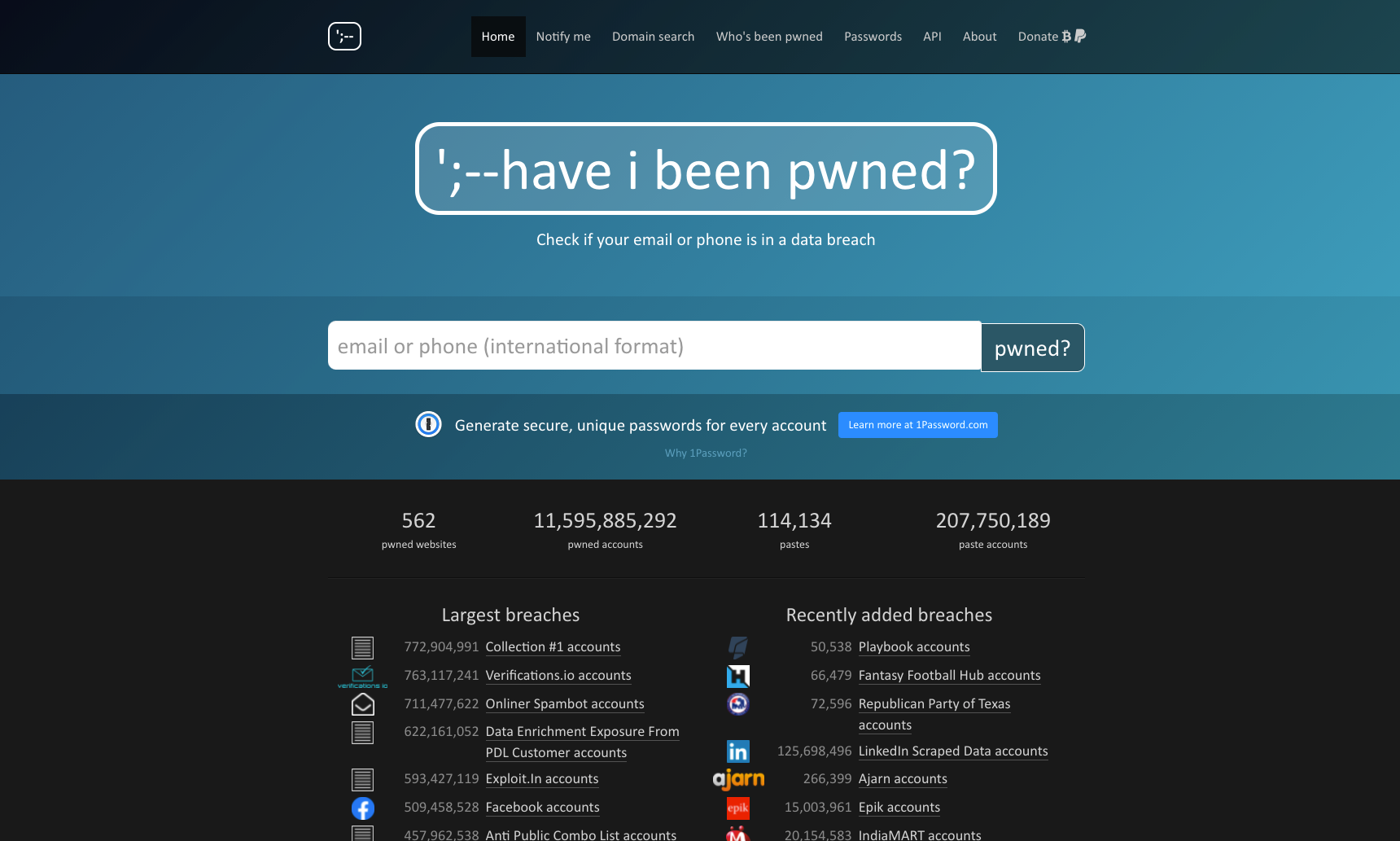
Have I Been Pwned
Have I Been Pwned is a free tool that allows users check whether personal information tied to their email or phone number - such as account logins, address, date of birth, social security numbers, etc. - have been exposed in multiple known breaches of stolen or scraped data.
HIBP searches also often bring up long forgotten and abandoned accounts. We encourage people to delete (or change the password to) those accounts to reduce any potential security risks in the future.
— For Generating Passwords
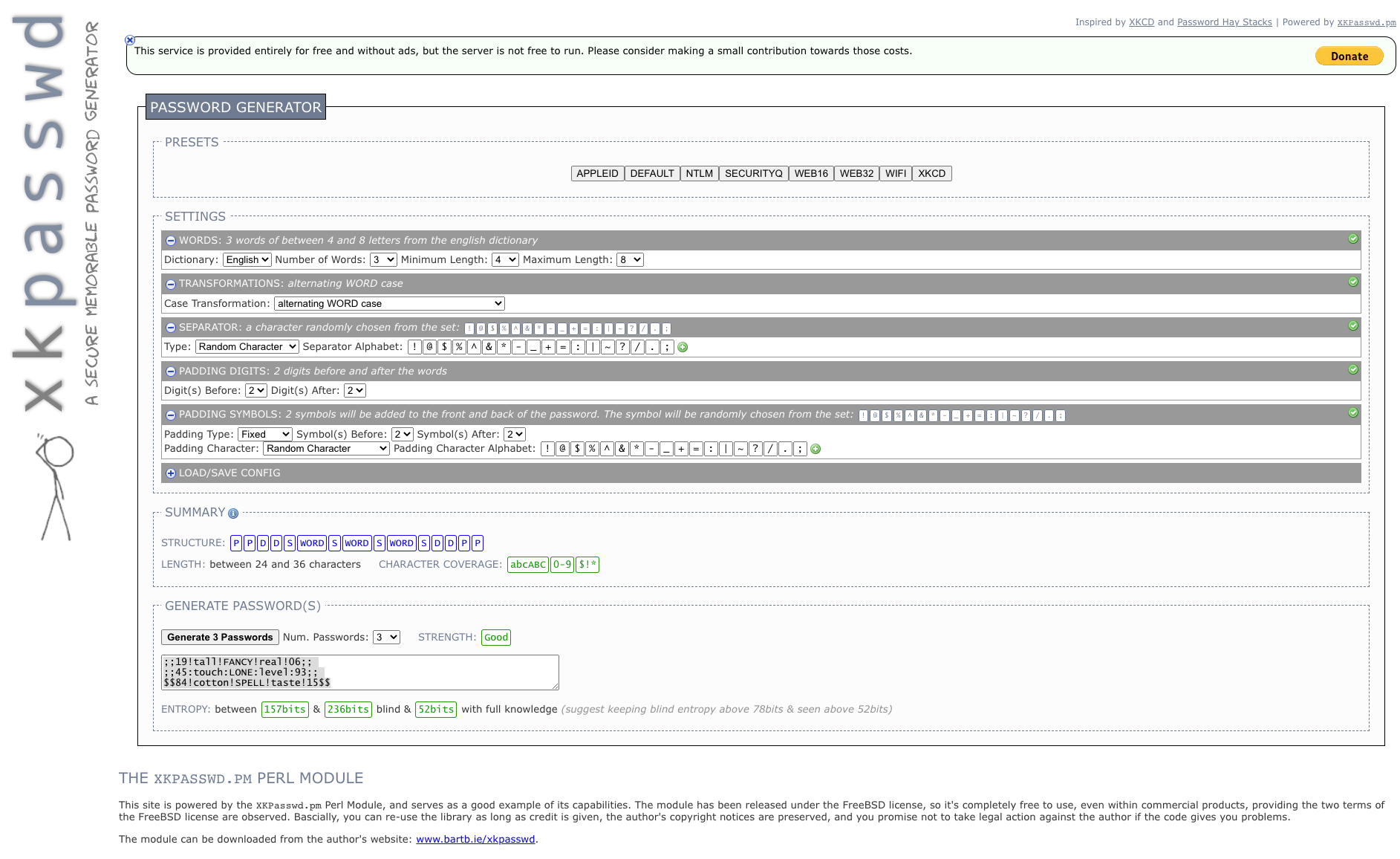
XKPasswd
They say that the best password is one that you can remember, but is nonsensical to other people and computers alike. XKPasswd is one of our favorite tools for generating unique, secure, and memorable passwords for logins. We usually recommend a password manager (more on this later!), but sometimes you just need a quick password for a new account.
We always recommend creating password strings that are a combination of words (mix in some upper and lower case characters), symbols, and numbers. No more Password1234!
— Password Management
Bitwarden, MYKI, and More.
Now that we have a collection of unique passwords, the best way to keep them safe and accessible is through the use of a password manager, which stores and encrypts account data. A master password or biometric login is the only way to access the vault.
There are lots of free options to get started with, like Bitwarden or MYKI. Premium services like Lastpass or 1Password might offer more cross-device integration. Look for services that offer offline vaults or backup options for maximum security.
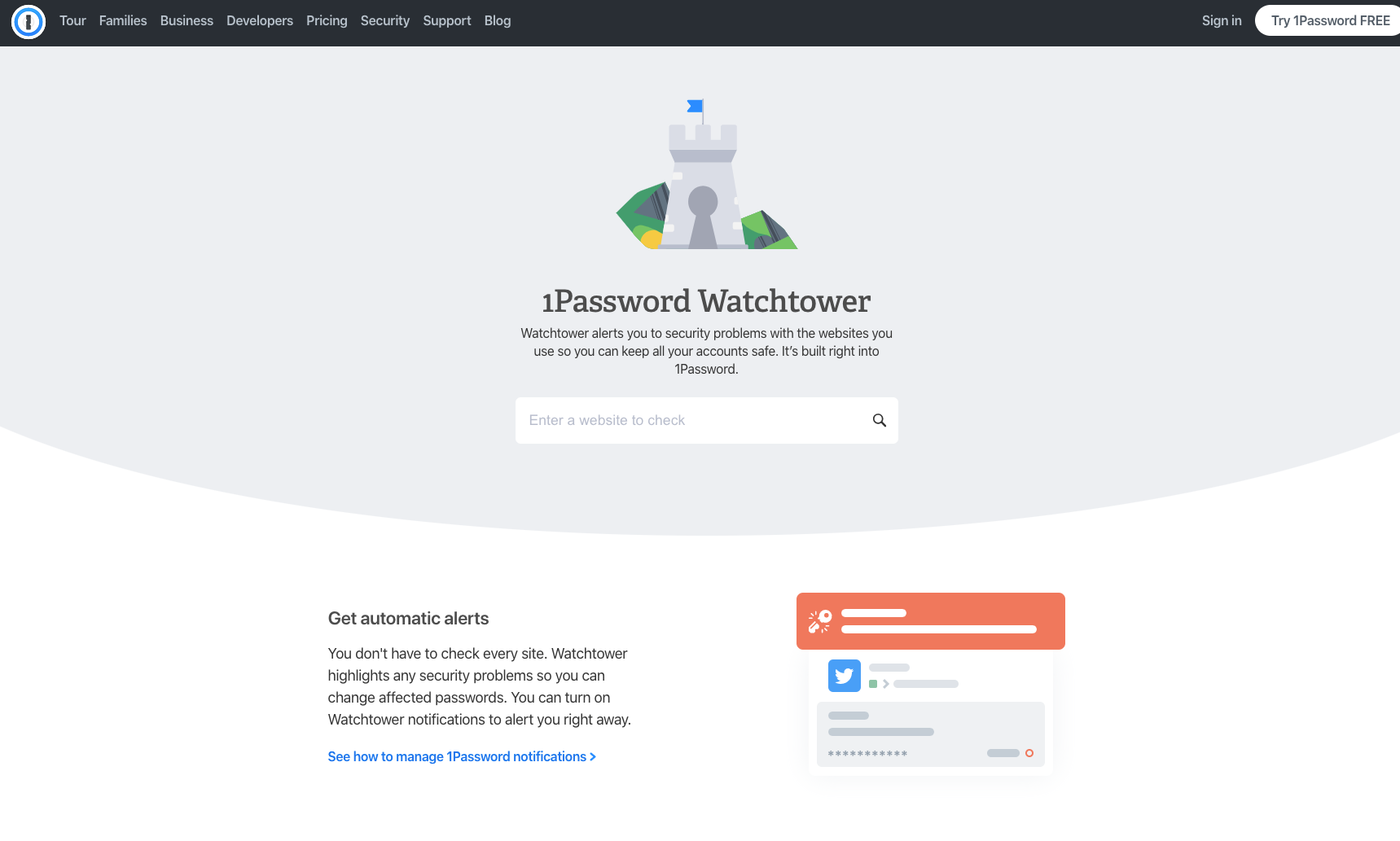
(We really like 1Password’s Watchtower feature, which references Have I Been Pwned to continuously monitor and check for compromised accounts.)
— Preventing Phishing Attacks
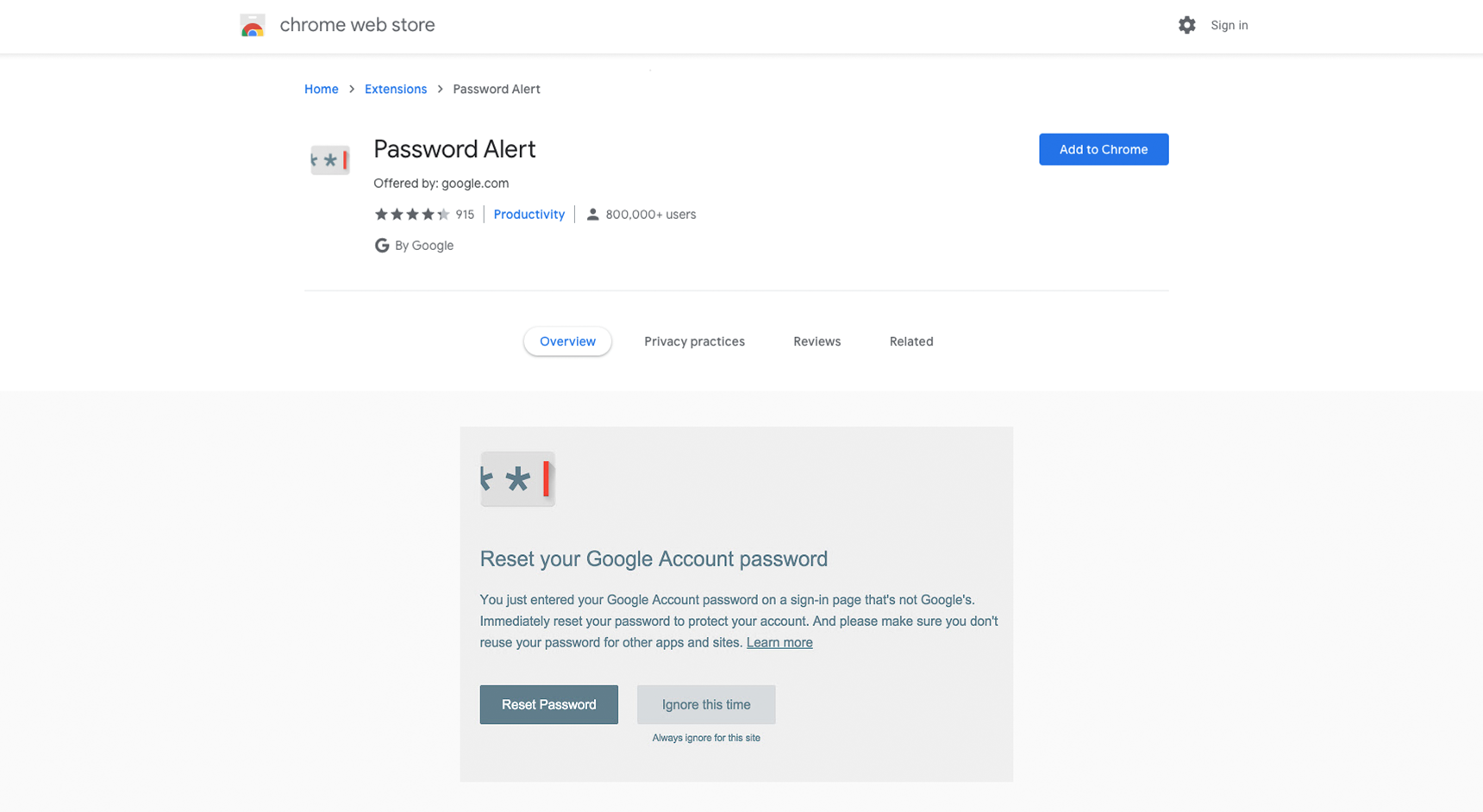
Google Password Alert
Phishing is the practice of using fraudulent emails disguised as legitimate communication from trusted sources like banks, friends, co-workers, etc., to solicit personal information from victims. Spelling errors or URL inconsistencies are usually a sign of a phishing attack, but sometimes it’s not that easy to spot.
Google’s Password Alert plugin for its Chrome browser checks each page to see if it is impersonating a Google sign-in page and sends an alert if your Google account password has been entered. This is especially useful for anyone who is using smart home devices within the Google ecosystem.
Want to know what our secret sauce is for passwords?