

—
What is Amazon Sidewalk?
Amazon Sidewalk is a new feature on all Ring and Echo devices that enables them to share data with each other over bluetooth and wifi, even if they are not connected to the same network. Sidewalk devices can also communicate with each other to locate items similar to Apple’s Find My device feature. This new feature has raised security and privacy concerns for all Echo and Ring device users.
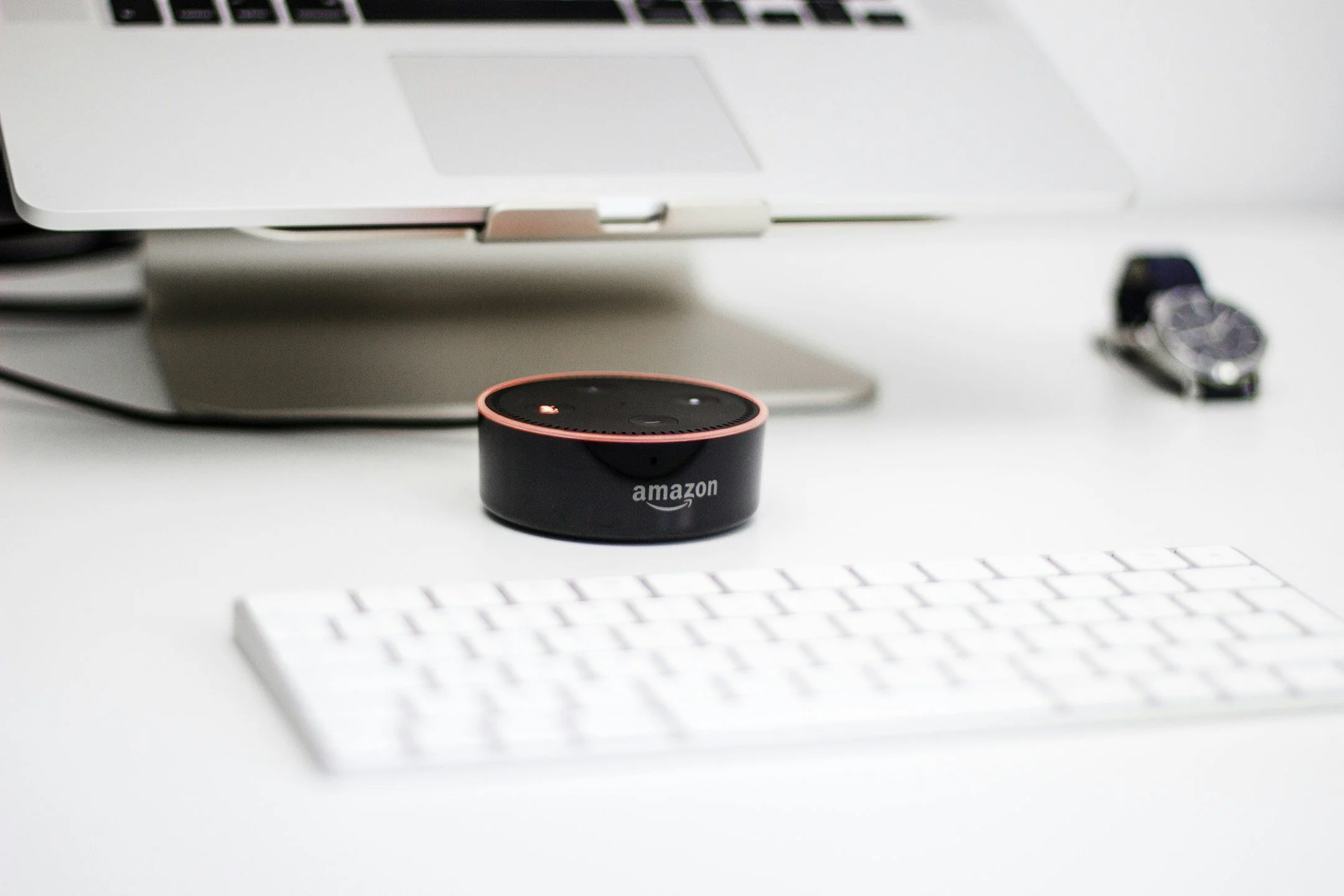
If you have an Amazon Ring or Echo device, and did not opt out by June 9th, you are already enrolled in Amazon Sidewalk.
What are the concerns of opting-into Amazon Sidewalk?
While Amazon Sidewalk includes encryption and other security measures, you are still opening your network up to devices that are out of your control.
If you are on a wireless connection with data restrictions, or a slower internet connection (>5 Mbps), this may cause performance issues with your network.
Corporations continue to forgo pro-active opt-in permissions and users are unwittingly signed up to be beta testers for new software
Amazon has yet to present a compelling benefit for the majority of users to opt in to using this feature.

If you are experiencing connectivity issues with your Amazon devices, the Sidewalk feature may be of use to you. Otherwise, we would recommend opting out if you have not already done so.
There are not enough benefits to outweigh the potential security and privacy risks.
You can always turn it back on in the future.
—
How do I turn off Amazon Sidewalk on my Ring and Echo devices?
Amazon Alexa
Open the Alexa app
Select Account Settings
Select Amazon Sidewalk
Turn Amazon Sidewalk Off for your account.
Amazon Ring (APP)
Open the Amazon Ring app on your device
Tap the three lines in the upper left-hand corner of the screen
Tap Control Center
Tap Sidewalk
Tap the Sidewalk slider button
A confirmation screen will pop up to confirm that Sidewalk has been disabled.

Amazon Ring (Website)
Log into your Amazon Ring account
Click on Account in the top right corner and navigate to Control Center
On the left-hand side, scroll down to and click on Amazon Sidewalk
Click on the Sidewalk slider button to disable Amazon Sidewalk from Ring devices