
How Should Construction Companies Integrate and Back Up Autodesk Data Securely?
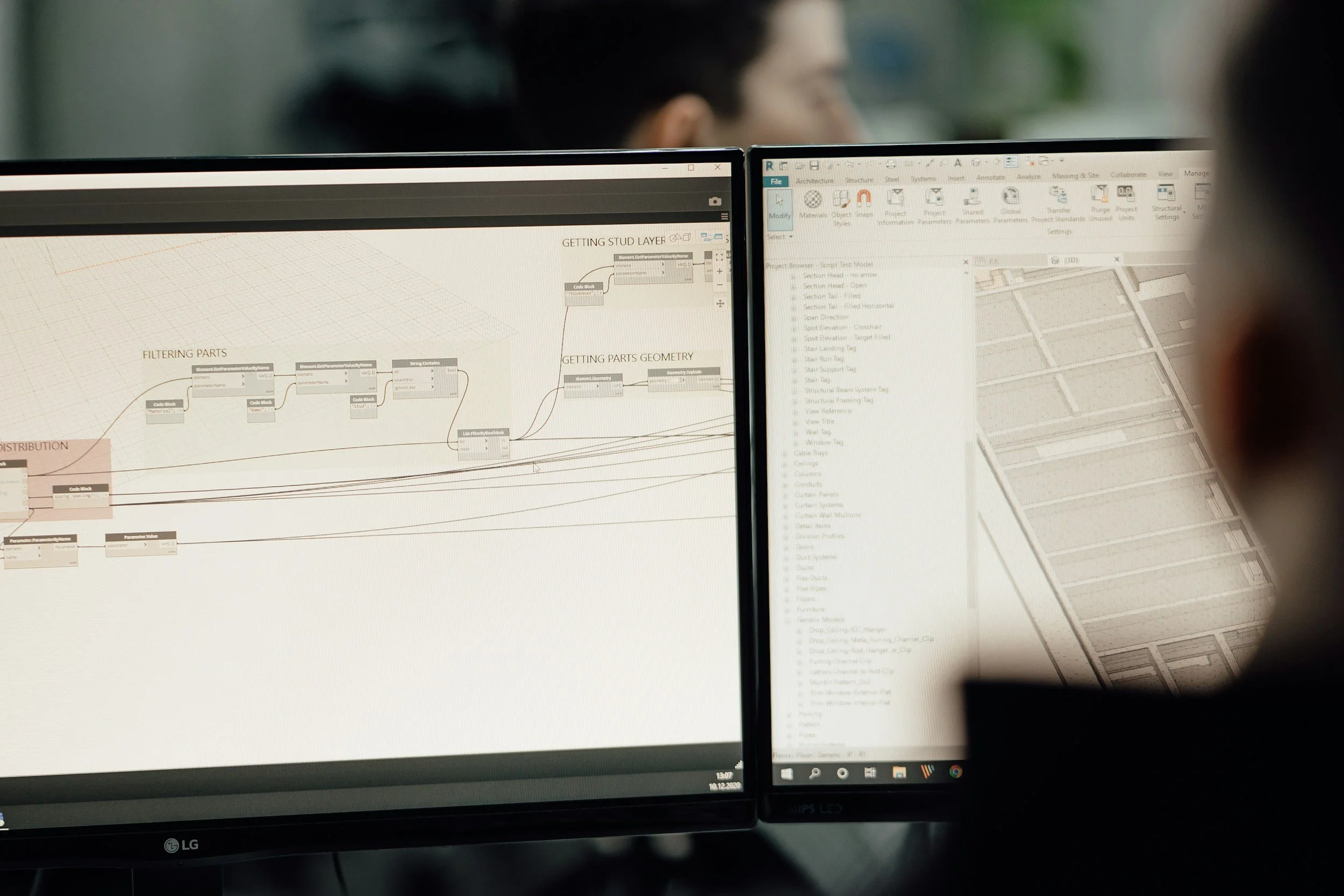
Construction companies using Autodesk products must ensure proper integration and backup to prevent data loss, version conflicts, and project delays. For firms with 10-25 employees, losing CAD or BIM files can delay projects by days or weeks and cost $10,000+ per incident. Secure Autodesk environments require cloud backup redundancy, access control enforcement, integration with Microsoft 365 or Procore, and proactive monitoring to prevent corruption or ransomware attacks.
Common Autodesk Risks in Construction
Autodesk platforms such as AutoCAD and BIM environments are central to modern construction workflows. From detailed design files to coordinated 3D models, these systems drive planning, coordination, and execution. Because of their importance, any disruption involving Autodesk data can immediately affect schedules, collaboration, and project accuracy.
One of the most common risks is file corruption. Large CAD and BIM files are complex and frequently modified by multiple users. Improper synchronization, unstable network connections, or interrupted saves can corrupt design files, potentially requiring time-consuming restoration. Without structured backup redundancy and proactive monitoring, recovering from corruption can delay critical milestones.
Version conflicts are another frequent challenge. When multiple team members access and modify drawings or models without clear version control, outdated files may circulate across job sites. Crews working from the wrong version of a model can create costly rework. Secure integration between Autodesk platforms and collaboration systems helps reduce these conflicts by centralizing access and enforcing structured workflows.
Accidental deletion is also a significant risk. Design files may be overwritten, misplaced, or removed unintentionally during project transitions or staff turnover. Without layered backup systems and controlled permissions, recovering deleted data can be difficult or impossible.
Ransomware presents one of the most serious threats. Design files are high-value targets because they are critical to ongoing projects. If CAD or BIM data is encrypted in a ransomware attack, construction companies may face halted operations and significant financial pressure. Secure Autodesk environments require strong access controls, cloud backup redundancy, and continuous monitoring to detect and contain threats before they spread.
These risks highlight why proper integration and backup are essential. Construction companies using Autodesk products must implement structured access control, redundant cloud backups, integration with platforms like Microsoft 365 or Procore, and proactive monitoring to prevent corruption, data loss, and cyber threats. Without these safeguards, even a single incident can disrupt multiple active projects.
Autodesk Integration with Other Systems
Autodesk environments do not operate in isolation. In modern construction workflows, CAD and BIM data must integrate seamlessly with project management, document storage, and collaboration platforms. Without proper integration, teams risk version conflicts, data silos, and inconsistent communication between office and job-site personnel.
Integrating Autodesk with Procore helps centralize project documentation and coordination. When models, drawings, and updates sync properly with project management systems, teams gain visibility into revisions, RFIs, and approvals without relying on manual file transfers. This reduces duplication and ensures that field teams access current, approved design data rather than outdated local copies.
Syncing Autodesk environments with Microsoft 365 and SharePoint strengthens document control and structured storage. Cloud-based file management allows version tracking, role-based access, and automated backup processes. Instead of storing CAD files on isolated desktops or unmanaged local servers, integration with structured cloud storage reduces the risk of accidental deletion, misplacement, or unauthorized access.
Effective integration also improves collaboration between office and job-site teams. Designers, engineers, project managers, and field supervisors must access accurate information in real time. Secure cloud synchronization ensures updates flow consistently between teams, reducing delays caused by disconnected workflows. When Autodesk systems are properly integrated, communication becomes more efficient and less error-prone.
Permission-based access control is a critical component of secure integration. Not every user should have the ability to edit, delete, or download sensitive design files. Structured role-based permissions limit access to what each team member requires, reducing the risk of accidental changes or intentional misuse. This level of control also supports compliance requirements and strengthens ransomware defense by limiting attack surfaces.
For construction companies using Autodesk products, secure integration is not optional. It requires structured cloud storage, enforced access controls, synchronization with Microsoft 365 or Procore, and proactive monitoring to prevent corruption or unauthorized modification. When integration is done correctly, it protects both productivity and project integrity.
Backup Strategies for Autodesk Data
Because CAD and BIM files are large, complex, and frequently updated, backing up Autodesk data requires more than a basic file copy. Construction companies must implement layered backup strategies designed specifically to prevent data loss, version conflicts, and ransomware-related disruptions.
Cloud-to-cloud backups are one of the most important safeguards. If Autodesk data is stored in cloud environments such as Autodesk Construction Cloud, SharePoint, or other hosted platforms, relying solely on the provider’s built-in redundancy is not enough. Cloud-to-cloud backup solutions create independent copies of design files in separate secure environments. This ensures that if a file is corrupted, deleted, or encrypted by ransomware, a clean version remains available outside the affected system.
Immutable backup storage adds another layer of protection. Immutable backups are designed so that once data is written, it cannot be altered or deleted for a defined period of time. This is particularly important for defending against ransomware, which often attempts to encrypt or erase backups before attacking production files. With immutable storage in place, construction companies retain a guaranteed recovery point even during sophisticated cyber incidents.
Determining whether backups should be daily or real-time depends on operational needs. Daily backups may be sufficient for smaller teams with controlled workflows, but larger projects with constant design updates often benefit from more frequent or near real-time replication. The goal is to minimize potential data loss between backup intervals, especially during active design phases where revisions occur throughout the day.
Retention policies are equally critical. Backups should be retained according to structured timelines that align with project lifecycles and compliance requirements. Construction projects can span months or years, and retaining historical versions of drawings and models may be necessary for dispute resolution, warranty claims, or regulatory documentation. Clear retention policies ensure that old data remains accessible without creating unnecessary storage sprawl.
For construction companies using Autodesk products, secure backup is not a single tool, it is a layered strategy. Cloud-to-cloud redundancy, immutable storage, appropriately timed backups, and structured retention policies work together to prevent data loss, reduce version conflicts, and protect against ransomware. When implemented properly, backup systems become a safety net that preserves project continuity even in worst-case scenarios.
Security Best Practices
Backing up Autodesk data is critical, but prevention is just as important as recovery. CAD and BIM environments contain high-value intellectual property, detailed specifications, and sensitive project information. Without strong security controls, even well-integrated systems remain vulnerable to corruption, unauthorized access, or ransomware attacks.
Multi-factor authentication (MFA) enforcement should be standard across all Autodesk-related platforms. MFA requires users to verify their identity through an additional method beyond a password, such as a mobile approval or temporary code. Because stolen credentials are one of the most common attack vectors, MFA significantly reduces the likelihood of unauthorized access to design environments, cloud storage, and collaboration platforms.
Device-level encryption adds another layer of protection. Laptops and tablets used by designers, engineers, and field supervisors often store synced CAD files locally. If a device is lost or stolen, encryption ensures that data cannot be accessed without proper authentication. This is especially important for remote teams and job-site personnel who frequently move between locations.
Continuous monitoring for suspicious activity further strengthens Autodesk security. Unusual login attempts, rapid file modifications, unexpected deletions, or abnormal data transfers may signal compromised credentials or malicious behavior. Proactive monitoring tools can alert IT teams immediately, allowing them to isolate accounts, prevent file encryption, and contain threats before they spread across systems.
Protecting remote job-site access is equally important. Construction teams frequently access Autodesk data from trailers, mobile hotspots, and temporary offices. Secure VPN connections, properly configured firewalls, and segmented network access reduce exposure to external threats. Without structured remote access controls, job-site connectivity can become an entry point for attackers.
For construction companies using Autodesk products, security must be layered and proactive. MFA enforcement, encrypted devices, real-time monitoring, and protected remote access work together with cloud redundancy and access control policies to create a secure Autodesk environment. When these best practices are implemented consistently, the risk of data loss, corruption, and ransomware is significantly reduced.
Disaster Recovery Planning
Even with strong integration, layered backups, and security controls, construction companies must prepare for worst-case scenarios. Disaster recovery planning ensures that if Autodesk data becomes unavailable, whether due to ransomware, corruption, hardware failure, or human error, projects can continue with minimal disruption.
Recovery Time Objectives (RTO) are a critical part of that plan. RTO defines how quickly systems must be restored after an outage to avoid significant operational damage. For construction firms actively using CAD and BIM files, downtime tolerance is often measured in hours, not days. Clearly defining acceptable recovery windows helps guide infrastructure decisions, including backup frequency, redundancy levels, and monitoring systems.
Testing backup restoration is equally important. Backups are only valuable if they can be restored quickly and reliably. Periodic testing ensures that CAD and BIM files can be recovered without version conflicts, data corruption, or missing dependencies. Restoration testing also confirms that integration with Microsoft 365, Procore, and other platforms remains intact after recovery. Without testing, companies may discover weaknesses only when a real incident occurs.
Business continuity planning extends beyond file recovery. It includes documenting restoration procedures, identifying key personnel responsible for recovery, and outlining communication protocols during an incident. If design files become unavailable, teams must know where clean backups are stored, how access will be re-established, and how quickly collaboration can resume across office and job-site environments.
Disaster recovery is a project protection strategy. Cloud backup redundancy, structured access controls, proactive monitoring, defined RTO targets, and tested restoration processes work together to prevent prolonged downtime. When disaster recovery planning is implemented properly, even significant disruptions can be contained without derailing active projects. A 15-person construction company avoided a major project delay when ransomware attempted to encrypt design files. With secure Autodesk backups and monitoring in place, files were restored within 2 hours, preventing an estimated $25,000+ in project disruption.
